Planning
Roadmapping + research operations
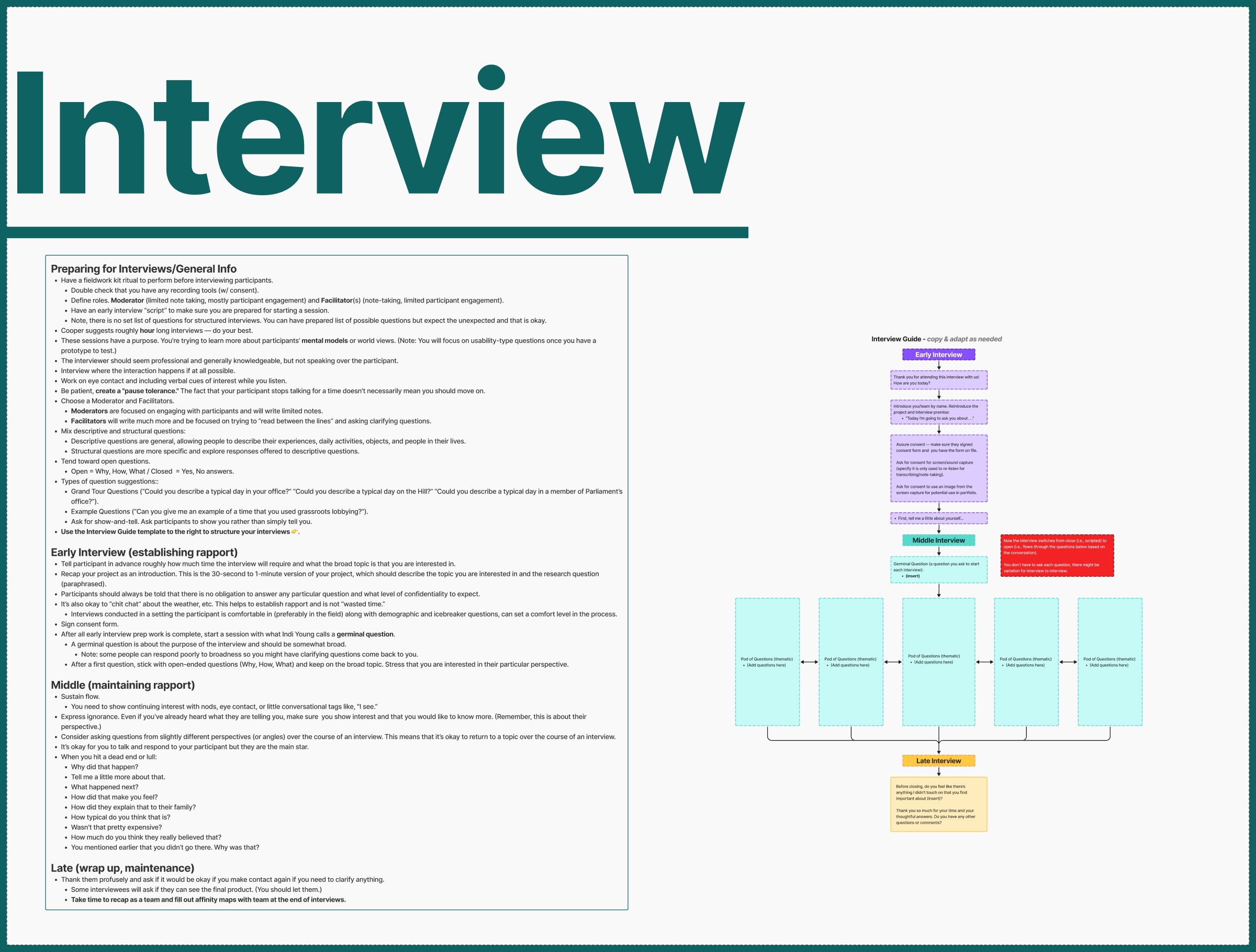
Calendar, interview, and sprint areas show how the team organized deadlines, research touchpoints, and delivery checkpoints before jumping into screens.
 John Andre
Creative project management
My project management work sits inside design. On StudyRoom, that meant setting the team's direction, planning sprints, organizing research, running design reviews, and getting us to a tested, presentable prototype. The FigJam board below is where that planning lives, from early Lean UX discovery through sprint execution.
Featured leadership
I led a three-person team as both creative project manager and lead UX/UI designer, taking a productivity timer app from first plan to final presentation.
Along the way we built proto-personas and Lean UX canvases, planned and ran interviews, mapped what we heard, tested MVP experiments, worked from sprint backlogs and stand-ups, held retrospectives, and revised the prototype across seven task flows.
"StudyRoom started with a simple question: why is it so hard for students to actually sit down and focus?"
The problem behind the project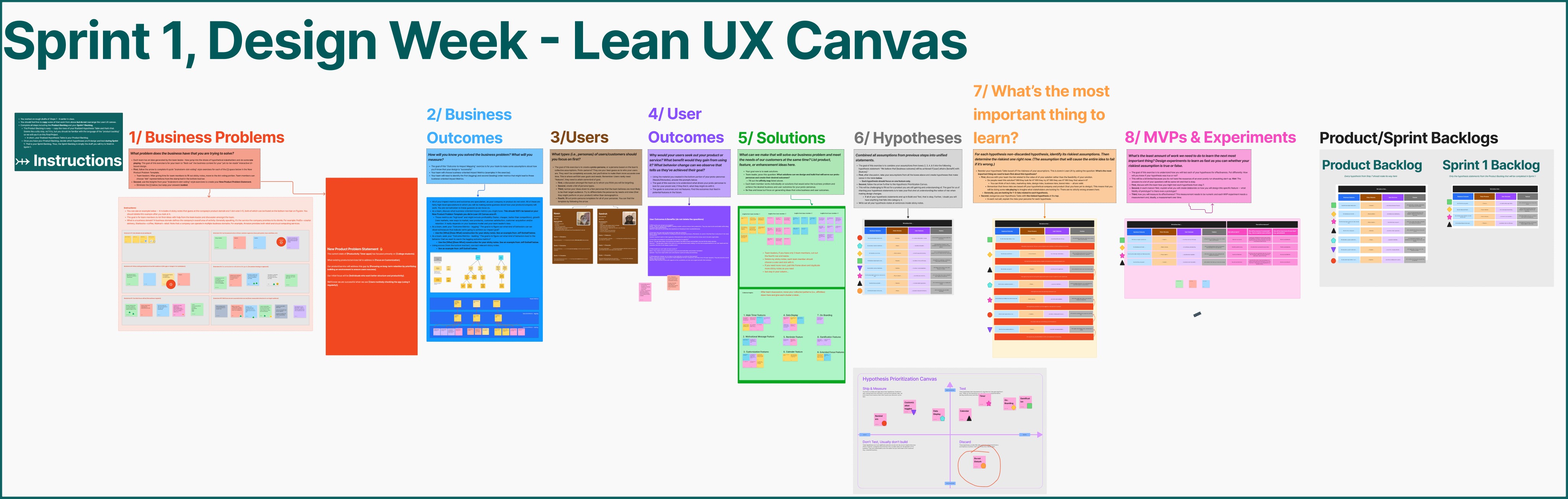
Product planning evidence
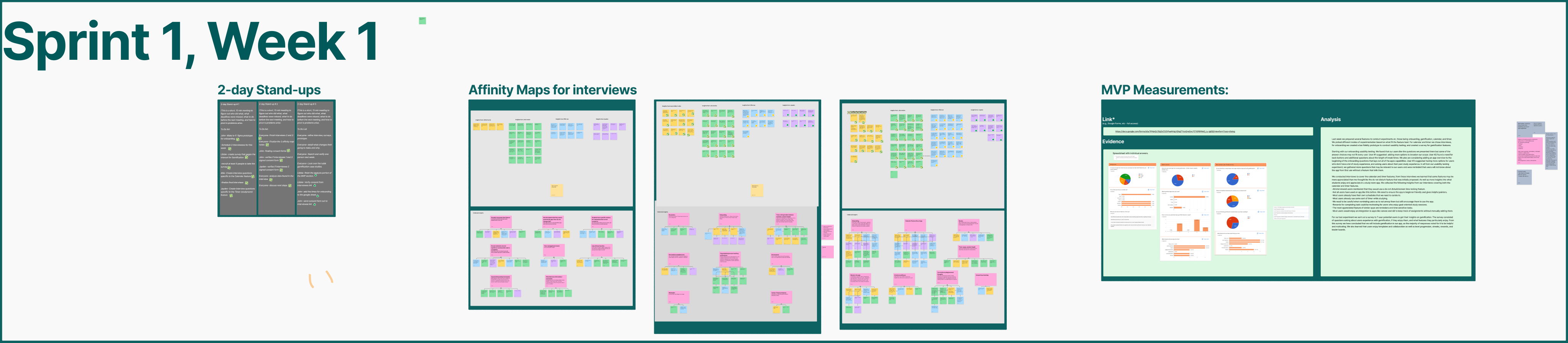
The board tracks how we moved from framing the problem to making product decisions: research, Lean UX assumptions, sprint maps, MVP measurements, backlog planning, and retrospectives, all sitting next to the prototype work.
So StudyRoom isn't just a finished interface. It's a record of the research, prioritization, and agile coordination that got us there.
FigJam evidence map
The StudyRoom board captures the project management work behind the interface: defining the problem, coordinating research, prioritizing the MVP, tracking sprints, measuring usability, and improving how the team worked.
Calendar, interview, and sprint areas show how the team organized deadlines, research touchpoints, and delivery checkpoints before jumping into screens.
The Lean UX canvas connects business problems, user outcomes, solutions, hypotheses, and experiments into a clear product direction.
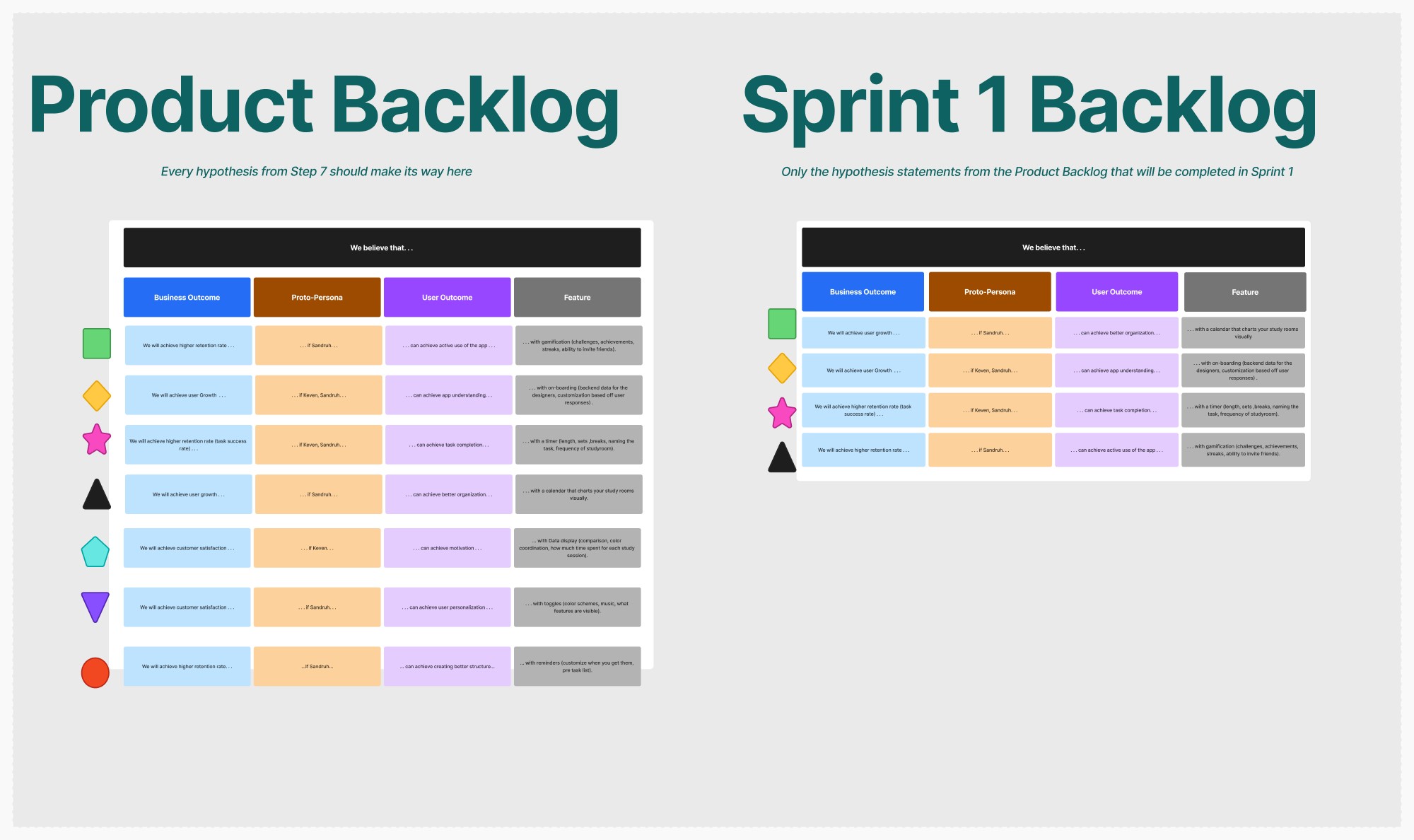
Backlog and MVP sections show feature prioritization, what needed to be learned first, and how sprint work was broken into manageable pieces.
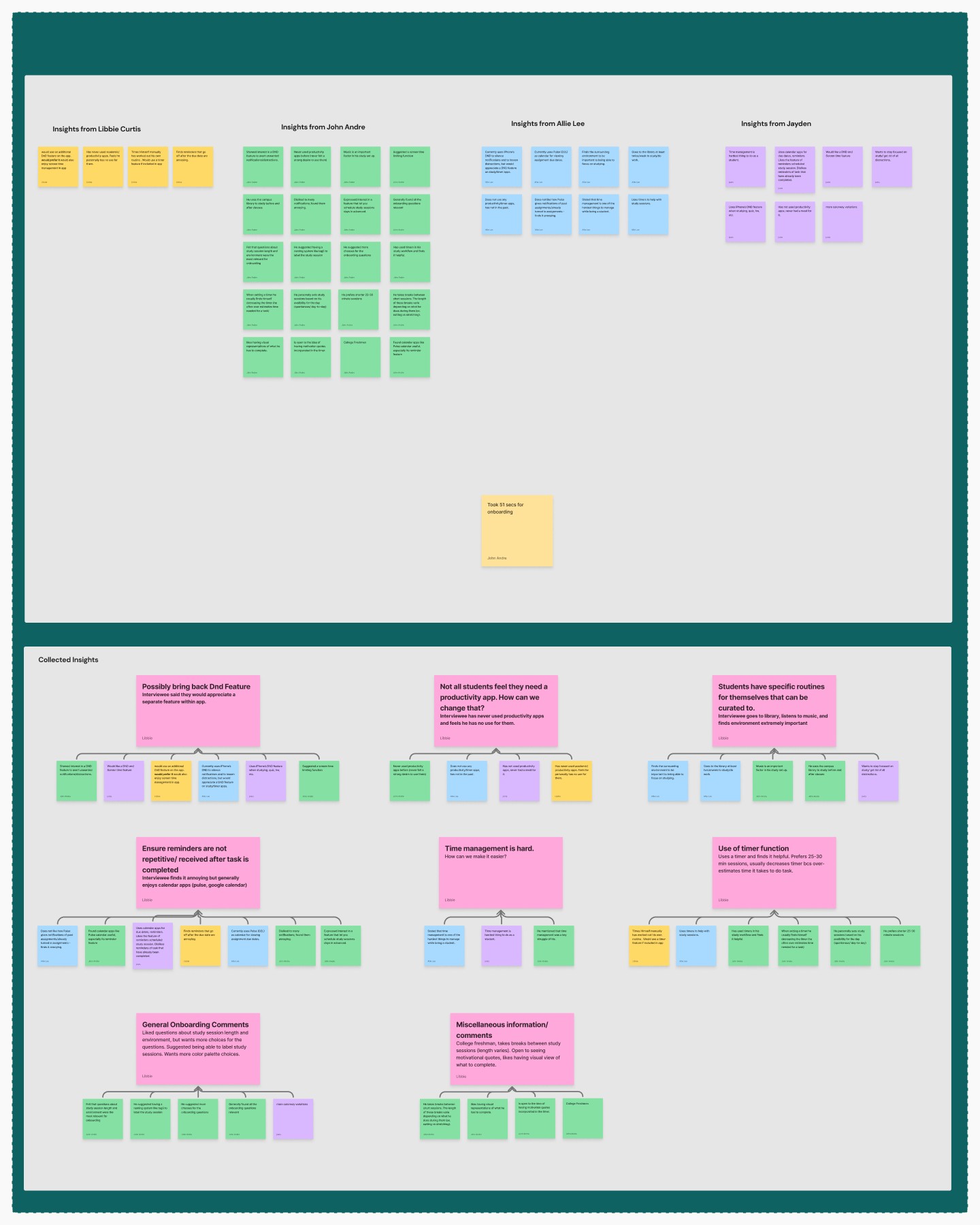
Interview affinity maps translate raw user feedback into patterns the team could use to make better interface and product decisions.
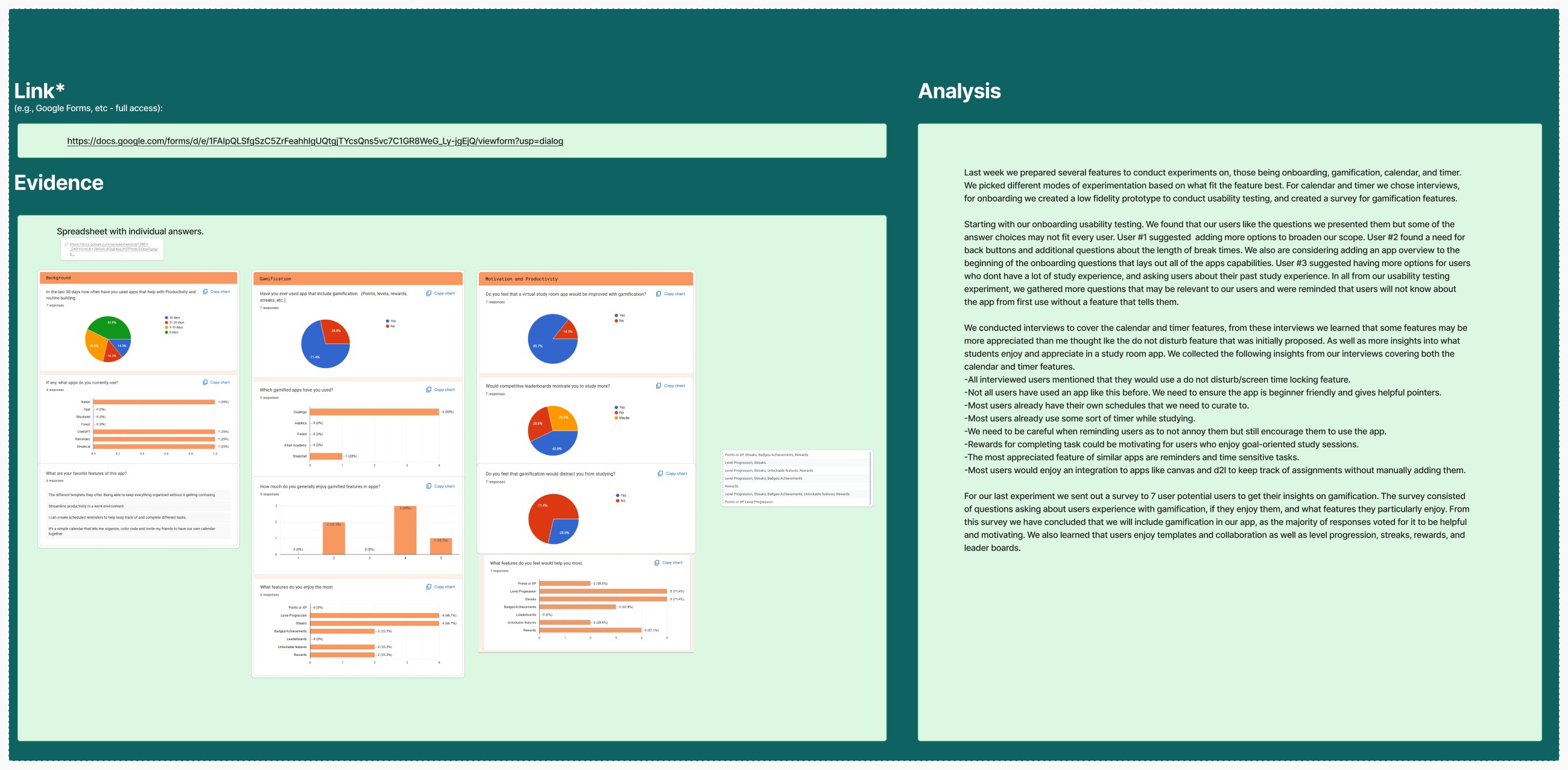
Measurement artifacts connect usability findings to concrete changes, including misclick reduction and clearer task completion paths.
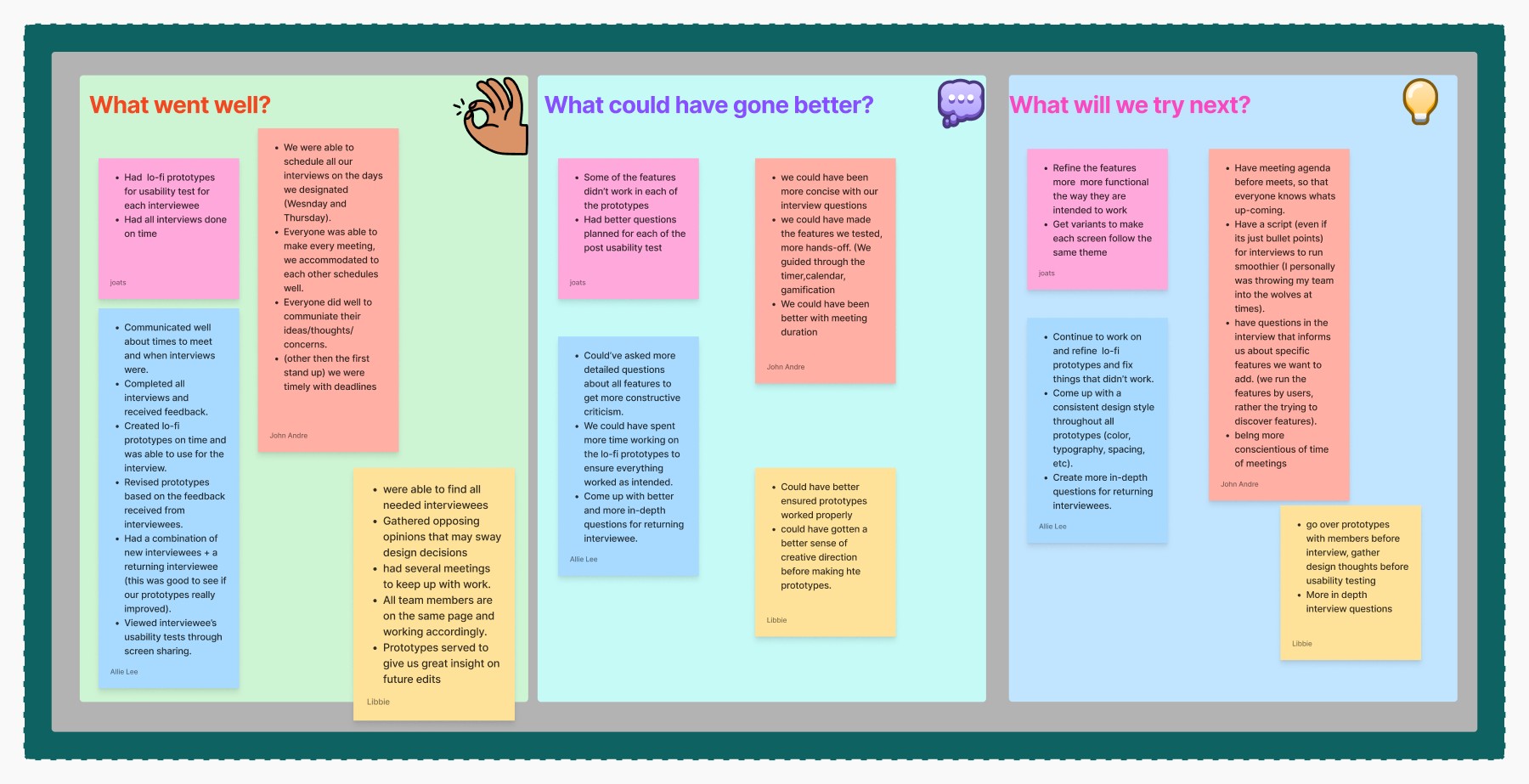
Retrospectives show the team closing the loop: reviewing what worked, identifying blockers, and improving how the next sprint moved.
Evidence
We used usability testing to find where people got stuck, then revised the flows until they moved through the app without second-guessing.
Process
Use personas, business problems, user outcomes, interviews, and affinity maps to define what the product needs to solve.
Turn assumptions into hypotheses, choose the most important things to learn, and organize features into backlogs.
Use sprint maps, stand-ups, usability metrics, and retrospectives to keep the team moving and the product improving.
Resume context
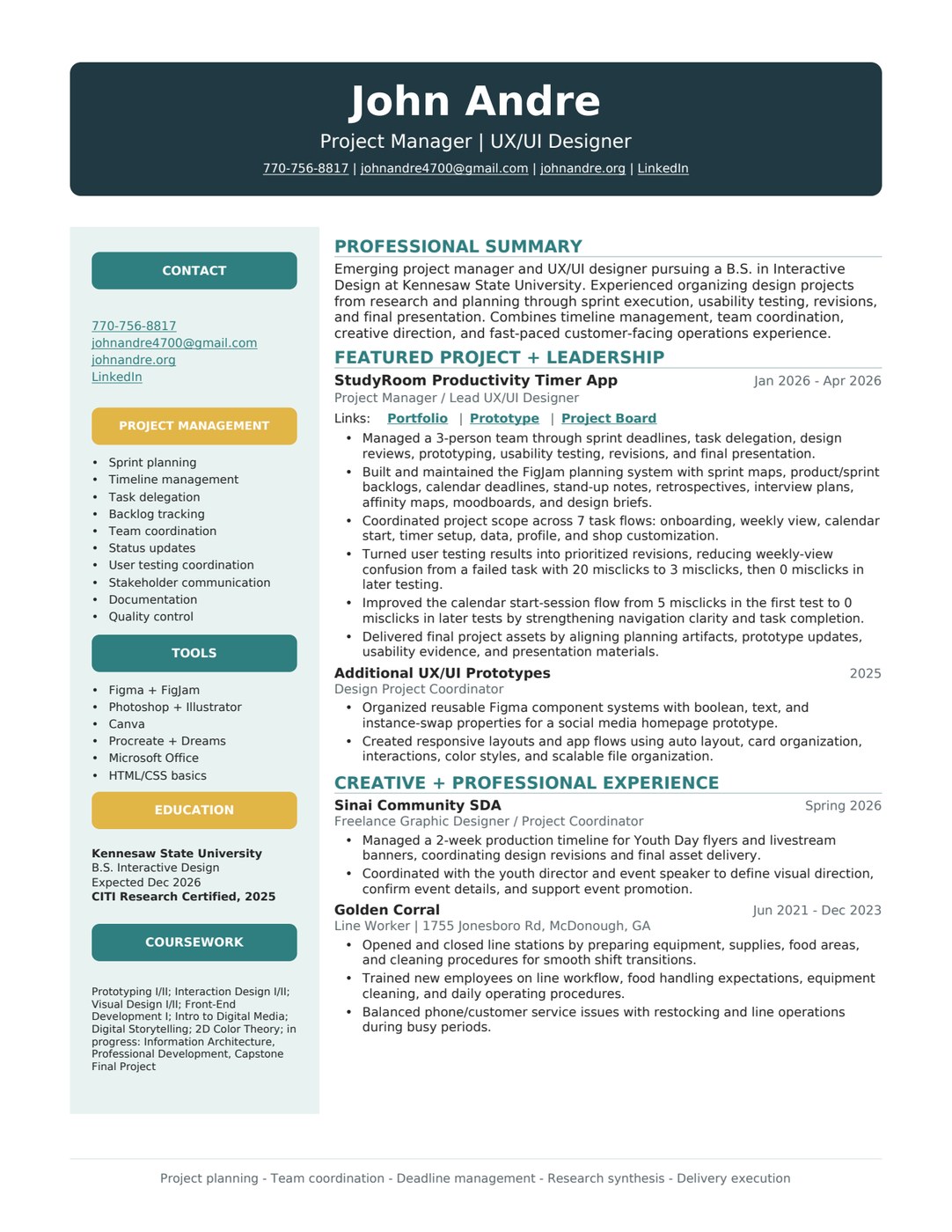
My resume frames me as a creative project manager, product designer, and UX/UI designer, finishing a B.S. in Interactive Design at Kennesaw State University in December 2026.
The short version of what I work with: team leadership, project coordination, user testing, and client communication, plus Figma, FigJam, the Adobe tools, Canva, Procreate, Microsoft Office, and the basics of HTML and CSS.
Open Full Resume